
Tuya Zigbee 3.0 Gateway IR Remote Control Hub WiFi Mesh Bridge for Alexa Google
SPECIFICATIONS
Brand Name: NONE
Certification: CE,FCC,RoHS
Choice: yes
EU LVD Voltage: Low voltage: Below 50Vac or 75Vdc
High-concerned chemical: None
Model Number: SG01
Origin: Mainland China
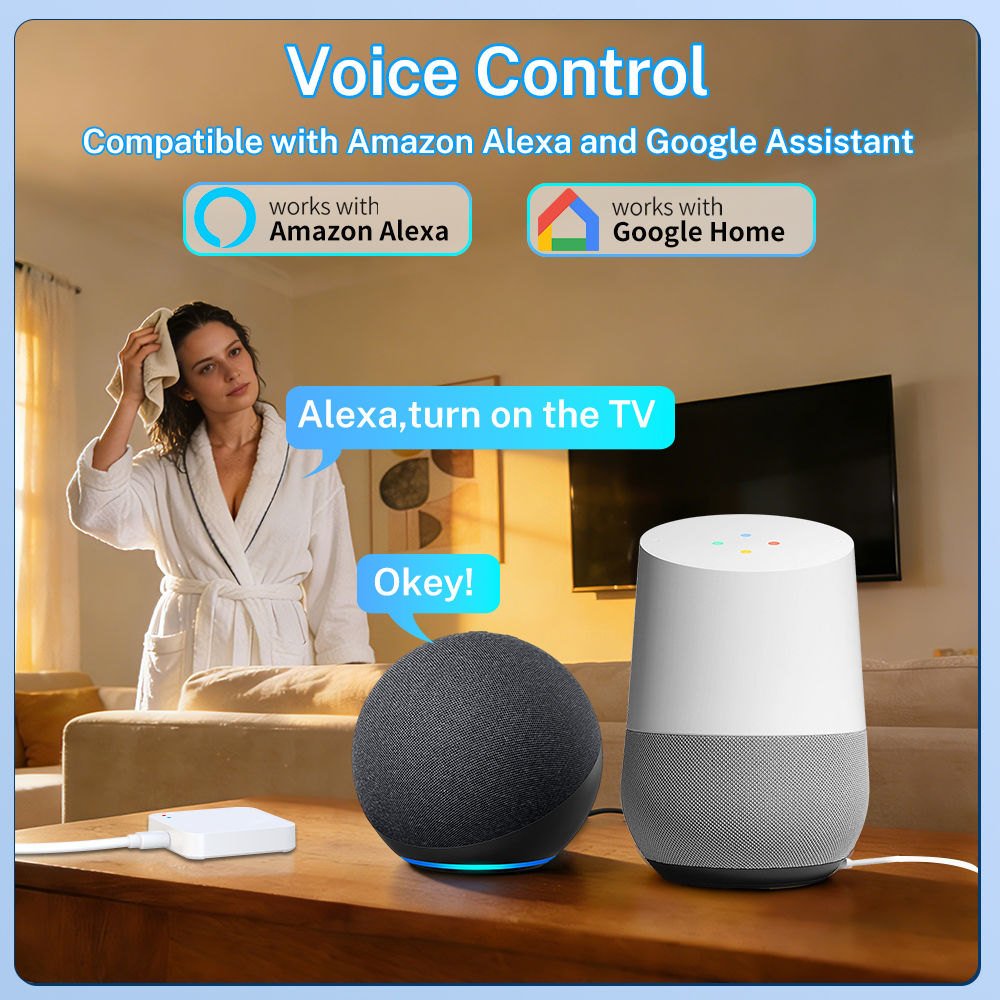
Smart home platform: alexa,Tuya,Google Assistant
semi_Choice: yes
Standard Version · Smart Zigbee Gateway
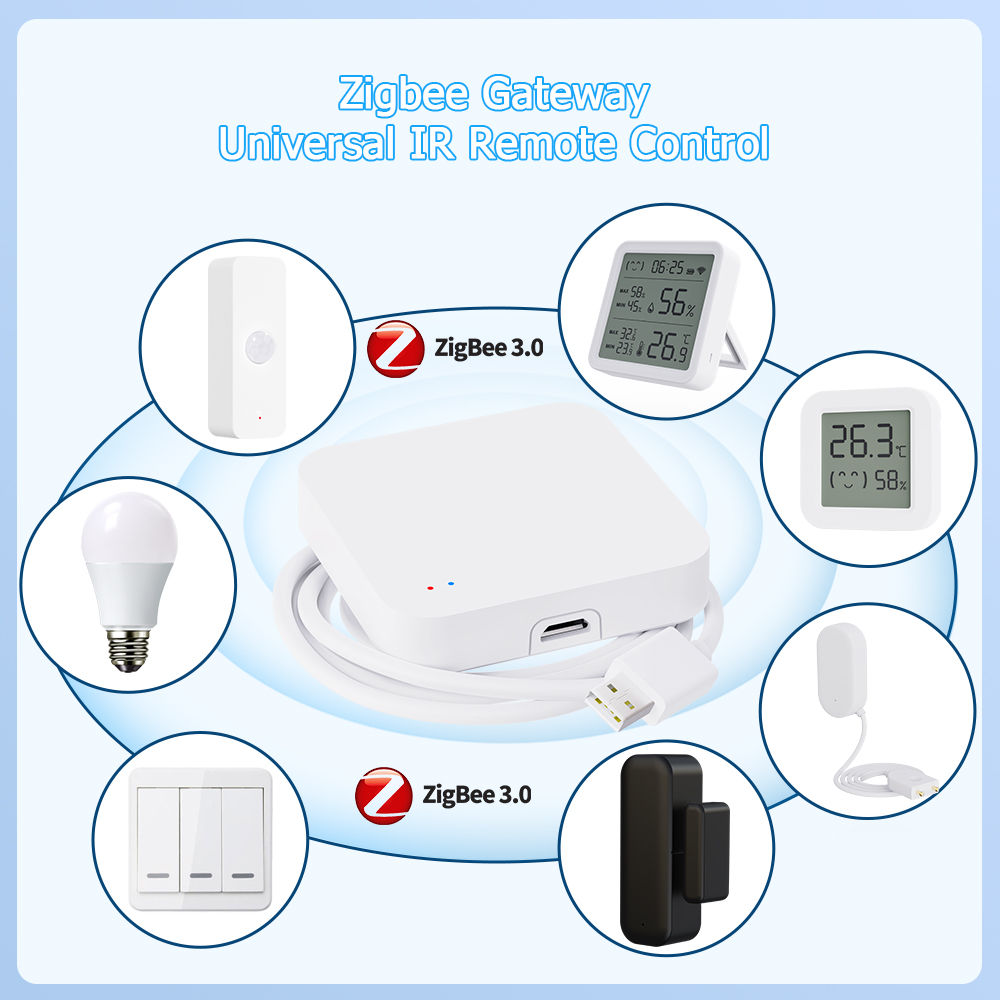
1. One Hub, Full Control
Supports Tuya Zigbee protocol. Connect up to 64 devices to a single hub—centralize your entire smart home setup without purchasing multiple gateways. Saves space, saves hassle.
2. Local Execution, Works Offline
Pair with the Smart Life App to add Zigbee sub-devices (PIR sensors, door sensors, etc.) and create automation scenes. Scenes run locally—your automations keep working even when the internet goes down.
3. Strong Signal, Wall-Penetrating
Compatible with WiFi 2.4GHz for superior wall penetration. Stable communication through obstacles, ensuring full coverage for complex layouts.
4. Plug & Play, Minimal Setup
Wireless WiFi connection—no ethernet cable needed. Just power via Type-C for quick pairing. Flexible placement anywhere in your home.
Upgraded Version · Smart Zigbee Gateway with IR Remote
【All Standard features included, plus the following upgrades】
1. Enhanced Compatibility
Adds standard Zigbee 3.0 protocol support to Tuya Zigbee. Connect even more devices and effortlessly expand your smart home ecosystem.
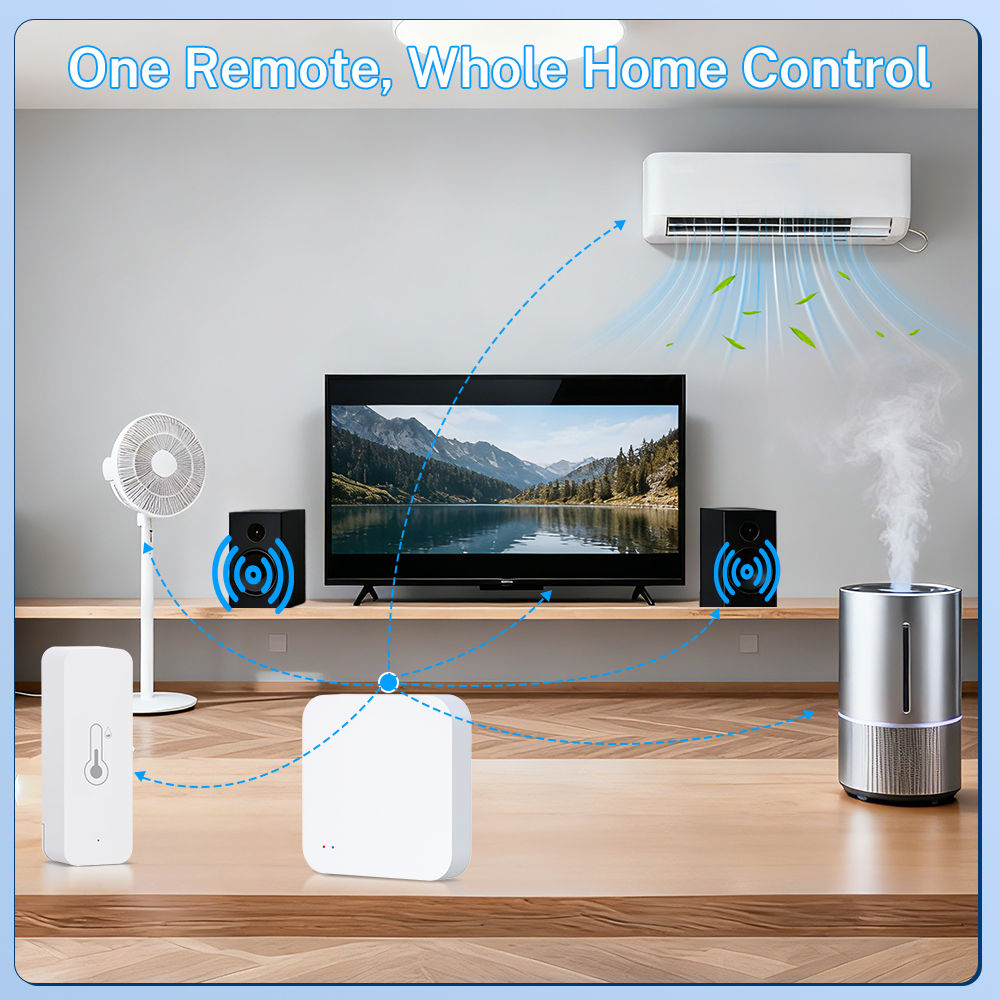
2. IR Remote Control
Built-in infrared transmitter—directly control AC units, TVs, fans, DVD players and other IR appliances from the app. One-tap control, no more remote clutter.
3. Massive IR Code Library
Pre-loaded with 5000+ IR codes covering mainstream brands. Works right out of the box—no tedious pairing, no more buying batteries.
4. Smart Learning, DIY Ready
IR learning function copies signals from your original remotes. Compatible with niche brands—simply point and teach. (Note: Encrypted signals not supported for security reasons)
FAQ
Q:What are the suggestions for the installation location?
A:We suggest installing it in an open location. Do not install it in a closed iron box as it will affect signal transmission.The WiFi signal at the installation location must be normally.
Q:How many Bluetooth or Zigbee sub devices can it support?
A:In general, ZBG01/G01 PRO/G01 support 30 Zigbee sub devices (sensor class); If there are Route capable Deivce in the network, more Zigbee sub devices can be connected. ZBG01/ G01 PRO/BT03 supports 30 Bluetooth sub devices.
Q:What is the transmission distance?
A:The transmission distance of Zigbee is similar to WiFi. It can cover any location that a typical WiFi (2.4GHz) router can cover However, the direct isolation of the equipment may reduce the transmission distance. Low power Bluetooth typically has a transmission distance of 10-15 meters and can penetrate 1 to 2 walls.
Q:If my product is a Tuya WiFi product, do I need this device?
A:No, it can directly link to your WiFi router. Our device's WiFi function is only a communication method for connecting to Tuya cloud services, and it does not support WiFi device access.
Q: Does G01 support Tuya Bluetooth device?
A: NO. G01 does not support Bluetooth sub devices. ZBG01/G01 PRO/BT03 supports them.
Q: Does BT03 support Tuya Zigbee device?
A: NO. BT03 only support Bluetooth sub devices.
Q:What is the length of the cable used? What is the interface with the device?
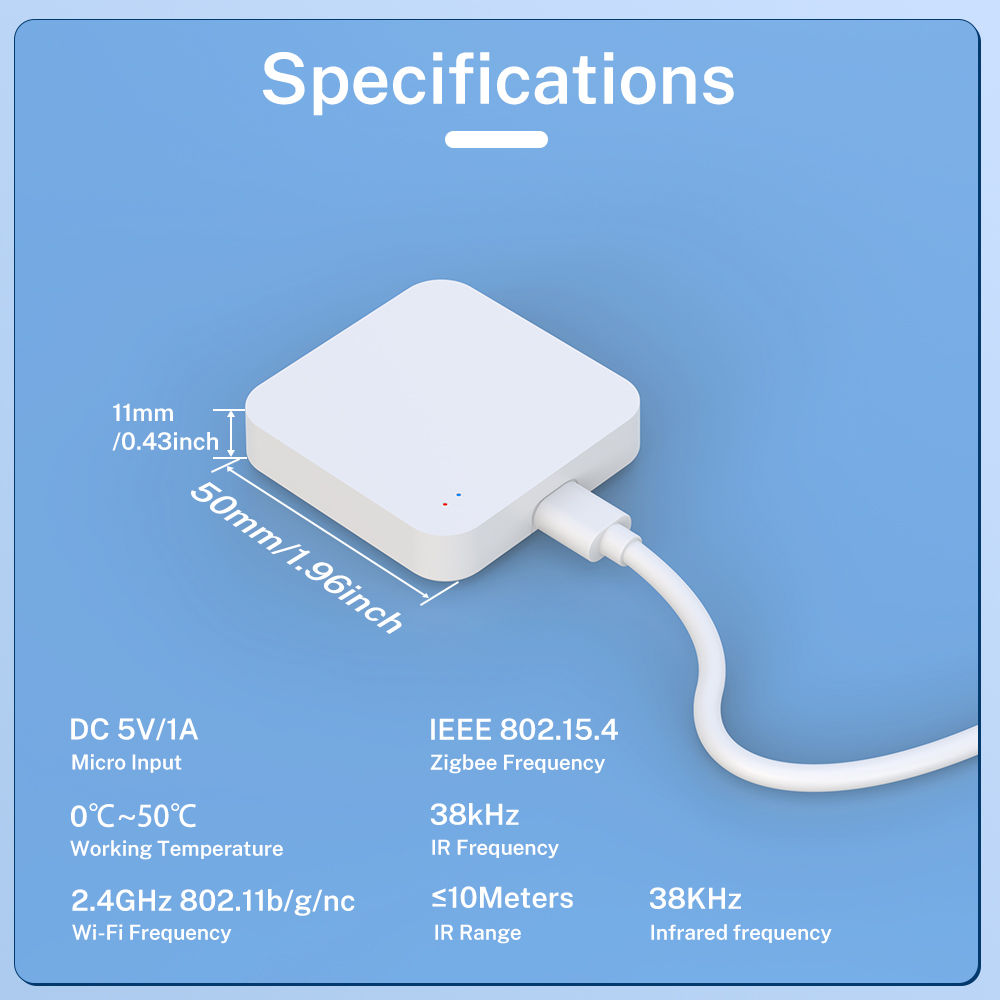
A:The cable is 100cm. Currently, Micro USB is used, but we may modify it to Type-C without notification.The USB cable is only used for power supply and has no data function.
Q:What type of power adapter is required?
A:The power adapter is not included in the package.The power adapter needs to use 5V/1A or higher.We recommend using the power adapter of an old phone. Poor quality or power sufficient power adapters may cause unstable operation of the device.
Q: Why is there a time delay when I use it?
A: Smart IR Remote is operated by Tuya cloud services. At this point, you need to check if the connection from your phone to Tuya cloud service is delayed, and also check if the connection from your WiFi router to the cloud server is delayed (the app provides the function of device checking network).
Q: How do I know my WiFi router has a frequency of 2.4GHz?
A: Most routers come with a 2.4GHz frequency band, and this information is usually marked on the router's nameplate. Some routers default to turning off the 2.4GHz frequency. Please refer to the router's manual to turn on the 2.4GHz frequency.